
Last updated: July 28, 2026
FlexiSpot sells six height-adjustable frames, and the spec sheets only move in one direction. Price climbs, maximum height climbs, capacity climbs.
So the expensive one must be the good one. That reading is backwards.
The number that decides whether a frame fits you is its minimum height, and the lowest floor in this lineup belongs to the mid-priced FlexiSpot E7 at 22.8 inches.
The cheapest frame starts highest off the floor. So do both premium four-leg models.
What follows is a pick keyed to height, load and budget — not a ranking of six desks.
In This Article
- Seated elbow height: the single measurement almost nobody takes before ordering, and the one that decides fit.
- Why the E7 is the default: the mid-priced frame drops lower than anything above or below it.
- Minimum height, not maximum: why the number every listing headlines is the wrong one to read.
- Stability costs speed: the four-leg frames are steadier, slower, and start higher off the floor.
- Frame-only versus landed cost: what a standing desk actually costs once a desktop is bolted on.
How These Six FlexiSpot Frames Were Compared
This comparison is a desk-research build, not a hands-on test. Nothing here was assembled or used.
Every height, capacity, motor and warranty figure came from FlexiSpot’s own product pages in July 2026, cross-checked against dated third-party reviews.
Pricing was read from independent reviewers, because FlexiSpot list and promotional prices move constantly. Usage evidence — assembly, wobble and noise — comes only from named reviewers, each linked in place.
The scope is the six frames FlexiSpot sells as standalone bases: E2, E5, E7, E7 Pro, E7 Plus and E7 Plus Max.
L-shaped, corner and all-in-one bundles were excluded. So were discontinued models.
Which FlexiSpot Model Fits You: Start With Your Height
Three numbers decide it: your seated elbow height, the total weight going on the desk, and your budget.
For most people the FlexiSpot E7 is the default — 22.8 inches frame-only, 355 lb, the lowest floor and the highest capacity under $300.

Height comes first. It is the only one of the three you cannot fix after the box arrives.
The check below runs your own measurement against all six frames at once.
Notice what it does to the price list. Spending more does not reliably buy you a lower floor.
The FlexiSpot E7 is the frame most readers land on, and for a reason. Nothing else here starts lower.
It stops being the automatic answer in three situations:
- You measure a seated elbow height above about 26 inches, which opens the taller frames back up.
- Your gear runs past 355 lb, which only the four-leg frames handle.
- Your ceiling is under $250, which puts the E5 in front.
The Spec Everyone Reads Backwards: Minimum Height
Every FlexiSpot listing leads with how high the desk goes. That figure only matters when you are standing.
You spend most of the day seated, and seated is where a standing desk fails.
Cornell University Ergonomics puts a fixed work surface at “between 28″-30″ above the floor.” That guidance assumes a keyboard tray hanging below the surface.
A height-adjustable desk has no tray. The desktop itself has to come down to your elbows.
So the surface has to reach lower than a fixed desk does, not match it. That single shift is what makes minimum height the deciding spec.
What “Frame Only” Means on a FlexiSpot Spec Sheet
FlexiSpot quotes its height ranges for the bare frame, with no desktop attached. Bolt a top on and every number shifts up.
A standard chipboard top adds about an inch. A solid bamboo or hardwood top adds half an inch more.
So the FlexiSpot E7 floor of 22.8″ becomes roughly 23.8 inches as a finished desk.
Why a Standing Desk Has to Drop Lower Than a Fixed Desk
A conventional desk works at 29 inches because the keyboard hangs below it on a tray. Your forearms sit at tray height, not desk height.
That is why a keyboard tray often solves a problem a taller frame cannot.
It is also why the E2 is a trap. Its 28.1″ floor lands inside Cornell’s fixed-desk band, which already assumed a tray you do not have.
Add a desktop and the finished surface clears 29 inches. Most adults cannot sit at that comfortably.
Finding Your Own Seated Elbow Height
Sit in the chair you actually use, feet flat and forearms parallel to the floor. Measure from the floor to the underside of your elbow.
That number is your target surface height. Subtract your desktop thickness and you have the highest frame floor you can accept.
Subtract, don’t guess — then match the result to a model.
The FlexiSpot Lineup Compared: Height, Capacity, Frame Type
Six frames, three leg designs, and a starting height that refuses to climb with the price.
The E7 starts lowest at 22.8″, the E7 Plus Max carries the most at 660 lb, and the E2 is cheapest while starting higher than either.
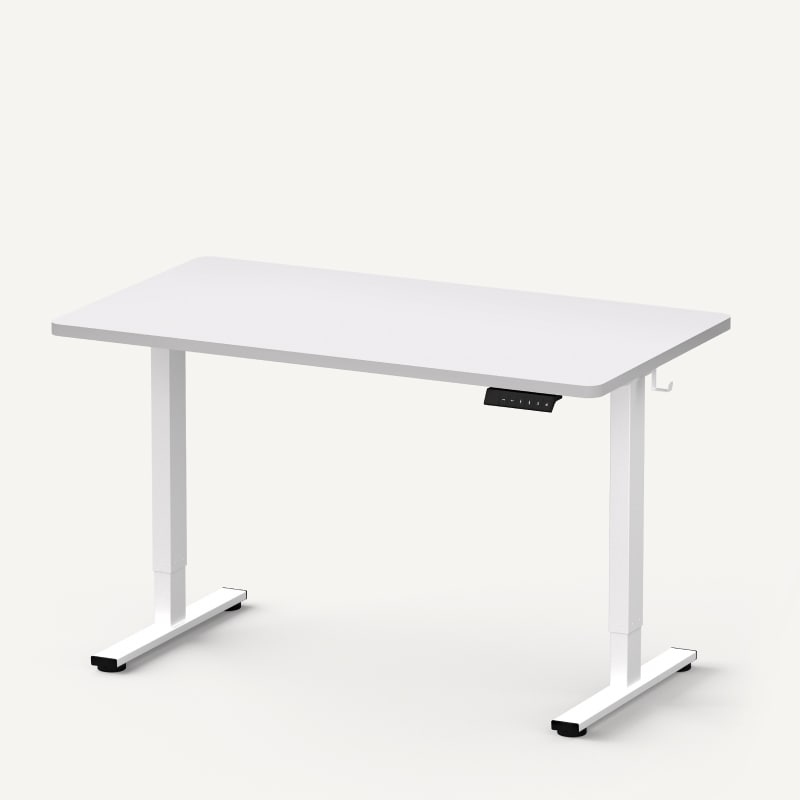
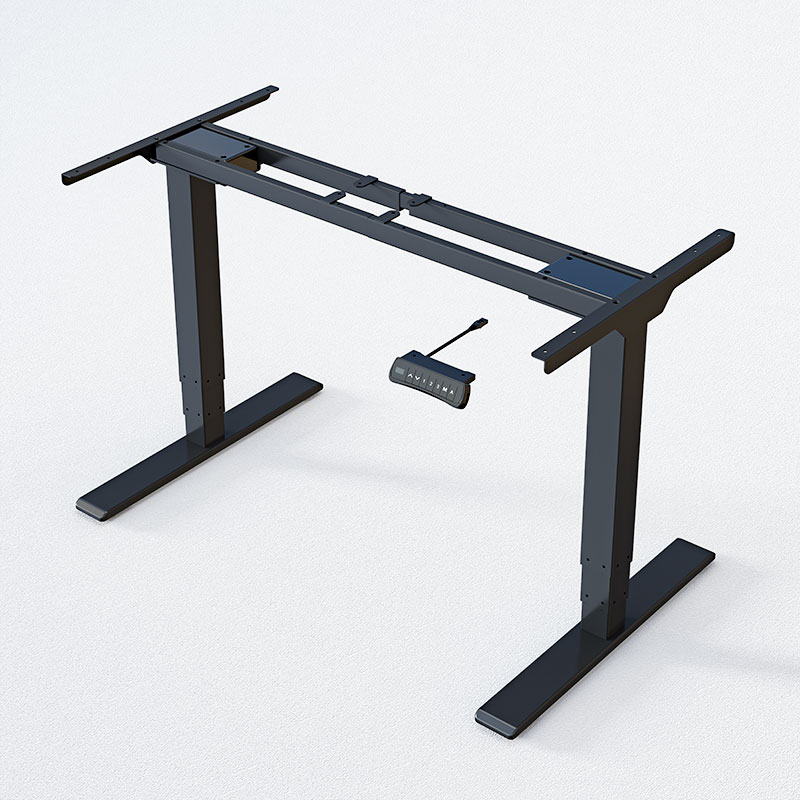
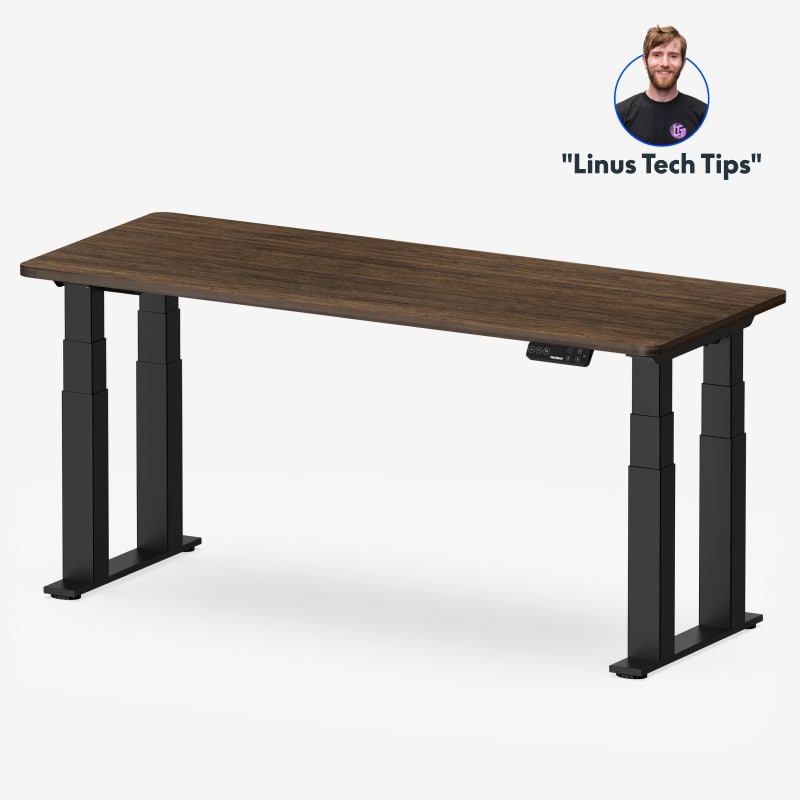
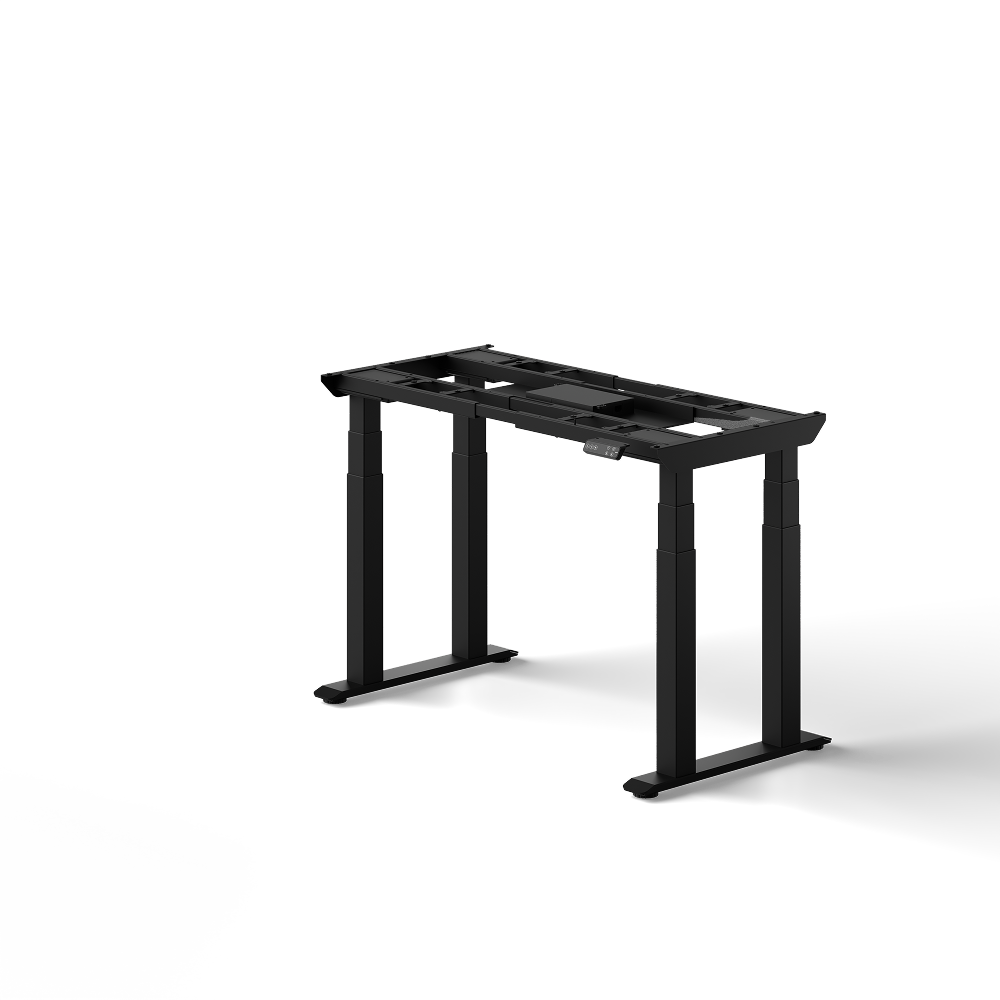
Run your eye down the minimum-height column. It falls, then rises, then falls again — it does not track price at any point.
The FlexiSpot E7 Pro is the upgrade at 5’4″ and above, where its higher floor stops mattering and the 440 lb C-frame starts to.
Remote Office Guy draws the split at exactly that line, putting the Pro ahead only above it.
Below $250, the FlexiSpot E5 is the only frame that still drops under 24 inches.
It gives up capacity to get there. 220 lb covers a laptop, two monitors and an arm.
The Model Nobody Compares
The E7 Plus Max arrived in late 2025 and is absent from almost every FlexiSpot lineup comparison still ranking on page one.
Pro Tool Reviews covers it directly, listing 660 lb of lift and 19 desktop sizes. The E7 Plus Max is a wide-surface, heavy-load answer — not a general recommendation.
What a FlexiSpot Standing Desk Really Costs With a Desktop
A FlexiSpot price only means something once you know whether a desktop is attached to it.
The E7 frame runs about $299, and the same frame with a 48×24 top lands near $369 — roughly $70 most headline prices leave out.
The left panel is a configuration difference. The right panel is a timing difference.
Remote Office Guy quotes the E7 at roughly $299 frame-only and $369 with a top. The E7 Pro follows the same pattern: about $399 bare, about $469 dressed.
On the four-leg tier the gap is between list price and real price. Magnetic Magazine recorded the E7 Plus at $499.99 against a $599.99 list.
The E7 Plus Max shows the same split, at $699.99 against $899.99.
So the honest comparison is not $299 against $699.99. It is a landed $369 against a landed figure that still needs a top.
The rule for any FlexiSpot price is to find the word “frame” first. If it says frame only, add $70 to $150 and an inch to every height figure.
That is the same arithmetic behind the return on a desk setup — the sticker is never the spend.
Where the Stability Comes From, and What It Costs You
Stability is a function of leg geometry, not of price.
Three-stage legs, a C-shaped foot and four legs instead of two each add rigidity. Each one also raises the frame’s floor or slows its travel.

Two-Stage Versus Three-Stage Legs
A two-stage leg has one telescoping section. A three-stage leg has two, which reaches lower and higher.
The E2 is the only two-stage frame here. That is exactly why it bottoms out at 28.1″ while the three-stage E7 reaches 22.8″.
T-Frame Versus C-Frame Feet
A T-frame puts the leg in the centre of the foot. A C-frame shifts it to the back, so the foot reaches forward under the desk.
That is the structural difference between the E5 and the E7, and it is worth more than the 1.4-inch height gap between them.
Four Legs, and the Bill That Comes With Them
The E7 Plus and E7 Plus Max replace two legs with four, spreading load across four columns.
The result is measurable. Krzysztof Hukalowicz at Club386, reviewing the E7 Plus on 23 July 2026, put it this way:
“The sturdiness becomes apparent when you type, draw, or lean on the front edge of the desk, with hardly any perceptible movement.”
Krzysztof Hukalowicz, Club386 review, 23 July 2026
Now read the price of that steadiness, because nobody puts these two facts next to each other.
The same review clocks the E7 Plus at 20 to 30 seconds for its full range. Across a 25.6-inch sweep, that is roughly one inch per second.
The E7 moves at 1.5″ per second, and the 2026 E7 Pro at 1.57″. The steadiest frame is also the slowest, starting 3.2 inches higher than the E7.
So the four-leg frames are the heavy-load answer, not the better desk. Buy the FlexiSpot E7 Plus for weight or width, never for prestige.
If two large monitors are the reason you are here, the dual-monitor question is the more direct read.
What Reviewers Report After Living With These Desks
The recurring complaint in FlexiSpot reviews is the build, not the desk.
Reviewers report longer builds than the box implies, tops heavy enough to need a second person, and holes you drill yourself.

Assembly Runs 45 to 90 Minutes
FlexiSpot quotes a faster build than reviewers record. Remote Office Guy puts it at “closer to 45–90 minutes” once screws are properly tightened.
Budget an evening. It is a one-time cost, and rushing it is how frames end up wobbling.
The Desktop Is a Two-Person Lift
The Club386 review put the E7 Plus desktop at 18 kg, each leg box near 22 kg. Hukalowicz’s advice was to “plan ahead with at least one helper.”
Wladislaw Martaler at PC Masters weighed the 2026 E7 Pro tabletop at about 30.5 kg and the assembled desk past 60 kg.
His verdict was blunt: “it is imperative that two people turn the table over.”
You Will Be Drilling the Cable Tray Yourself
PC Masters found the cable holder took longest: “FlexiSpot does not provide any centered pre-drilled holes on the plate.”
Mark and pilot every hole before you drive a screw. The instructions were also called out as “sometimes confusing or imprecisely translated.”
What the 2026 E7 Pro Changed
The 2026 refresh added a USB-C port carrying USB Power Delivery 3.0 and 20 watts of charging.
That is phone-and-earbuds power, not laptop power. Useful, not a reason to upgrade. PC Masters rated stability “high” at normal sitting and standing heights, with movement only near the maximum.
None of that is a reason to avoid the desks. All of it is a reason to set aside an evening for the home office build.
Which FlexiSpot Desk to Buy at Each Budget
The short version of this flexispot standing desk review is one rule applied to four budget bands.
Measure your seated elbow height, subtract your desktop thickness, then buy the cheapest frame whose floor sits under that number.

Under $250: the E5
The FlexiSpot E5 drops to 23.6″ frame-only, which clears most seated elbow heights once a top is on.
Its ceiling is capacity. 220 lb handles a laptop, two monitors and an arm, and stops being comfortable past that.
Around $300: the E7, and This Is Most People
The E7 is the default for a reason that has nothing to do with popularity. It has the lowest floor and the highest capacity under $300.
At 22.8″ frame-only and 355 lb, it fits shorter users no premium frame here reaches. Landed with a 48×24 top it is about $369.
Around $400: the E7 Pro, at 5’4″ and Above
The FlexiSpot E7 Pro trades 2.2 inches of floor for 85 lb and a stiffer C-frame. Remote Office Guy draws the line at 5’4″, with the Pro above it.
$500 and Up: the Four-Leg Frames, on Load Only
The E7 Plus and E7 Plus Max exist for weight and width, not general use. Reach for them at 440 lb and 660 lb, or a desktop past 60 inches.
You pay for it in travel speed and about three inches of extra floor height.
The One to Skip: the E2
The FlexiSpot E2 is the cheapest frame and the worst seated fit in the lineup.
Its 28.1″ floor becomes about 29 inches with a top, which lands above where most adults’ seated surface should be.
Remote Office Guy covers it fairly as a budget frame. Treat it as a standing-only desk or a second desk, never a first.
If none of these fit, the wider standing desk buying guide covers frames outside FlexiSpot’s range.
FlexiSpot Standing Desk Questions, Answered
What is the minimum height of a FlexiSpot standing desk?
It ranges from 22.8″ on the E7 to 28.1″ on the E2, quoted frame-only.
Add roughly an inch for a desktop. The E7 is the lowest of the six and the E2 is the highest.
Do FlexiSpot desks include a desktop?
Often not. Most of the headline prices on these six models are for the frame alone. A 48×24 top adds roughly $70 on the E7 and Pro, per Remote Office Guy.
Is the E7 worth it over the E5?
At about $90 more, the E7 buys 135 lb of extra capacity, a stiffer C-frame and a floor 0.8″ lower.
If the budget stretches, the E7 is the better frame. If it does not, the E5 still sits low enough.
How long does a FlexiSpot desk take to assemble?
Named reviewers report 45 to 90 minutes for a first build. Add time for the cable tray, and a second person for the flip.
Are FlexiSpot desks noisy?
PC Masters measured the 2026 E7 Pro motors below 50 dB in normal use. No independent measurement was taken here, so treat that as one reviewer’s reading.
Which FlexiSpot frame holds the most weight?
The E7 Plus Max, at 660 lb, with one motor per leg. The E7 Pro and E7 Plus follow at 440 lb, the E7 at 355 lb.
Buy for the Floor, Not the Ceiling
Every model in this flexispot standing desk review climbs high enough to stand at. Only some of them drop low enough to sit at.
The lowest floor belongs to the mid-priced E7 at 22.8″, while the cheapest and the two most expensive frames start higher.
Before you order anything, sit down and measure from the floor to the underside of your elbow.
Subtract your desktop thickness from that number, then run it through the fit check further up this page.
Buy the cheapest frame that clears it. For the wider market, the standing desk guide covers what to check outside FlexiSpot.


